/08tooling
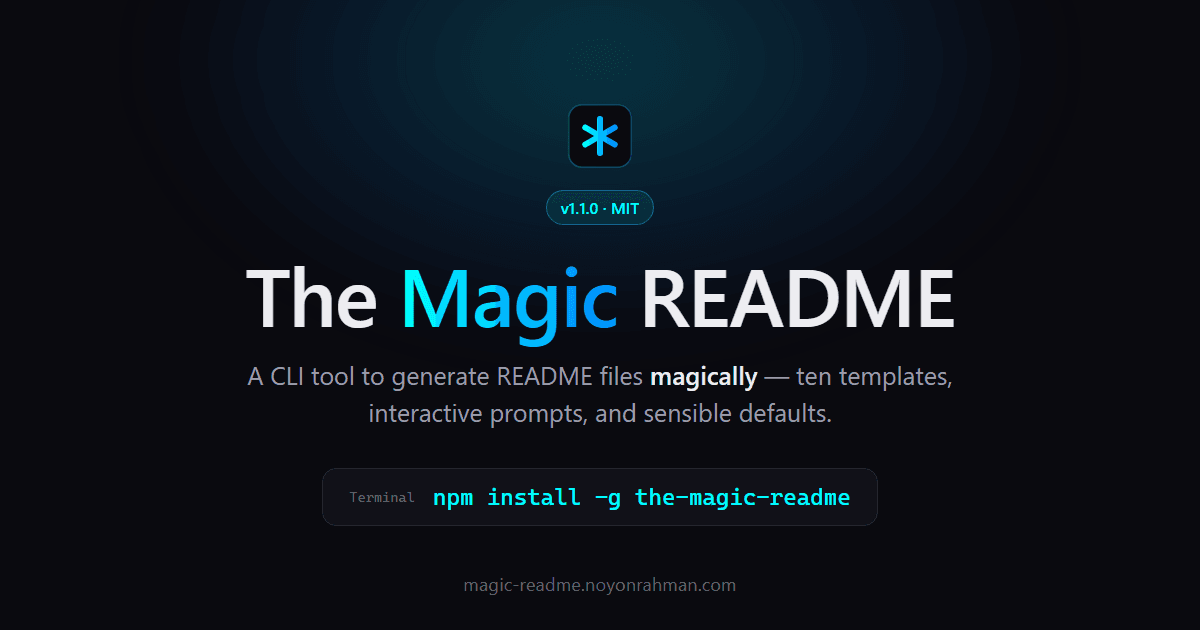
An interactive CLI that generates GitHub-ready README files — ten templates and sensible defaults in under a minute.
At a glance
- Type
- CLI Tool
- Templates
- 10 built-in
- Runtime
- Node.js
- License
- MIT
[ The Brief ]
Every project needs a README, and almost every one is either an afterthought or a template that stopped matching the code months ago. Remembering badge markup, table syntax, and TOC anchors is tedious — and rebuilding the same structure from scratch in every repo is worse.
The Magic README turns that chore into a guided conversation. It's an interactive CLI: run one command, answer a handful of prompts that each ship a sensible default you accept with Enter, preview the rendered Markdown, and the file lands in your project. Ten built-in templates cover everything from a minimal one-pager to an ops-ready production README, and you can save your own Markdown recipes with {{placeholders}} to reuse them forever.
It's the tool I wanted every time I shipped a repo, so I built it — fast, quiet, and with nothing standing between you and a README that looks like you spent an afternoon on it.
[ Highlights ]
- /01
A guided four-step flow in the terminal — no flags to memorize, no config to hand-edit
- /02
Ten built-in templates spanning classic, minimal, modern, production, and specialty layouts
- /03
Custom templates — save your own Markdown recipes with {{placeholders}} and reuse them across every repo
- /04
Sensible defaults on every prompt, so you can press Enter and keep moving
- /05
Preview the rendered Markdown with an explicit overwrite warning before anything touches disk
- /06
GitHub-ready output with badges, hero images, tables, and TOCs straight out of the box